
Microsoft 365 Webpart
elbRadar
The intelligent people search for Microsoft 365
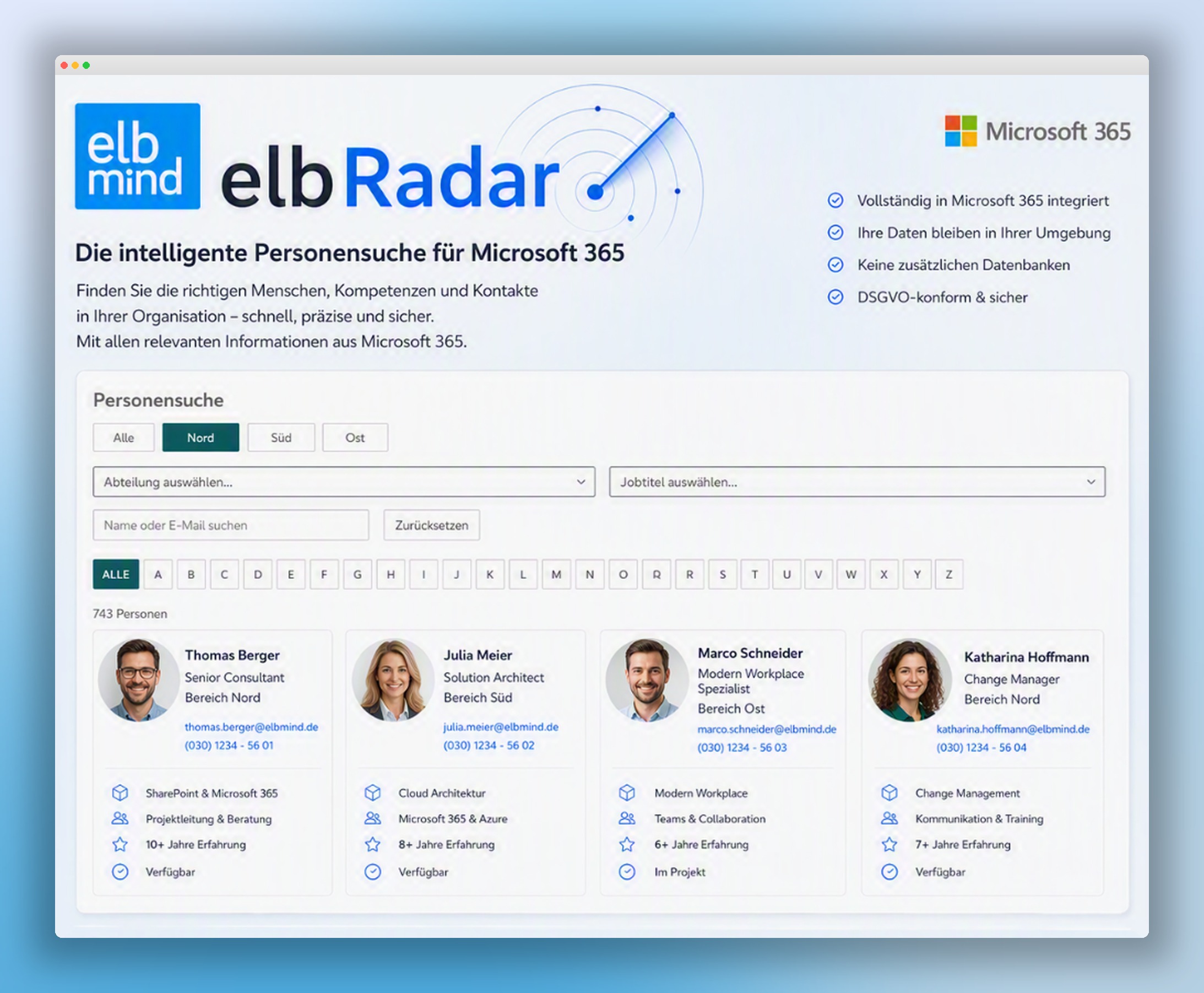
Find the right people, skills and contacts in your organization – fast, precise and secure. elbRadar is a web part that integrates easily into Microsoft 365 and SharePoint and goes far beyond the standard people search.
How it differs from the standard people search
Microsoft 365 search finds names. elbRadar finds skills, responsibilities and availability – based on your own attributes maintained in Active Directory.
Standard M365 people search
- Search essentially by name and email
- Custom AD attributes cannot be used as filters
- No combination of multiple filters
- No alphabetical entry across the whole organization
- Results without professional context
elbRadar
- Filters on custom attributes maintained in M365/AD
- Multi-select within a single criterion
- Cumulative filters: combine criteria to narrow results
- Letter-by-letter A–Z navigation across all people
- Profile cards with role, area, skills, experience and status
Features at a glance
Intelligent search
Find people, expertise and contacts with powerful filters and sub-criteria.
Skills & expertise
Search skills, certifications, projects and years of experience.
Network & connections
Make relationships, responsibilities and collaboration visible.
Secure & compliant
100% GDPR compliant – data stays inside your Microsoft 365 environment.
Short video · 45 seconds
elbRadar in a short video
See how the search works in everyday use – in under a minute.
Seamless in your Microsoft world
elbRadar is embedded as a web part in SharePoint pages and Teams and reads people data from your tenant via the Microsoft Graph API. No external storage, no parallel world.
How we start
- 01
Live demo
30 minutes: we show elbRadar on realistic data and clarify your requirements.
- 02
Field concept & AD mapping
We define which attributes serve as filters and how they are maintained in AD.
- 03
Rollout in your tenant
Web part installation, fine-tuning of views, onboarding of your editors.
Let's talk about elbRadar.
Book a slot for a personal live demo – non-binding and with no preparation needed.
Book a meetingmail@elbmind.com · +49 177 2774874